
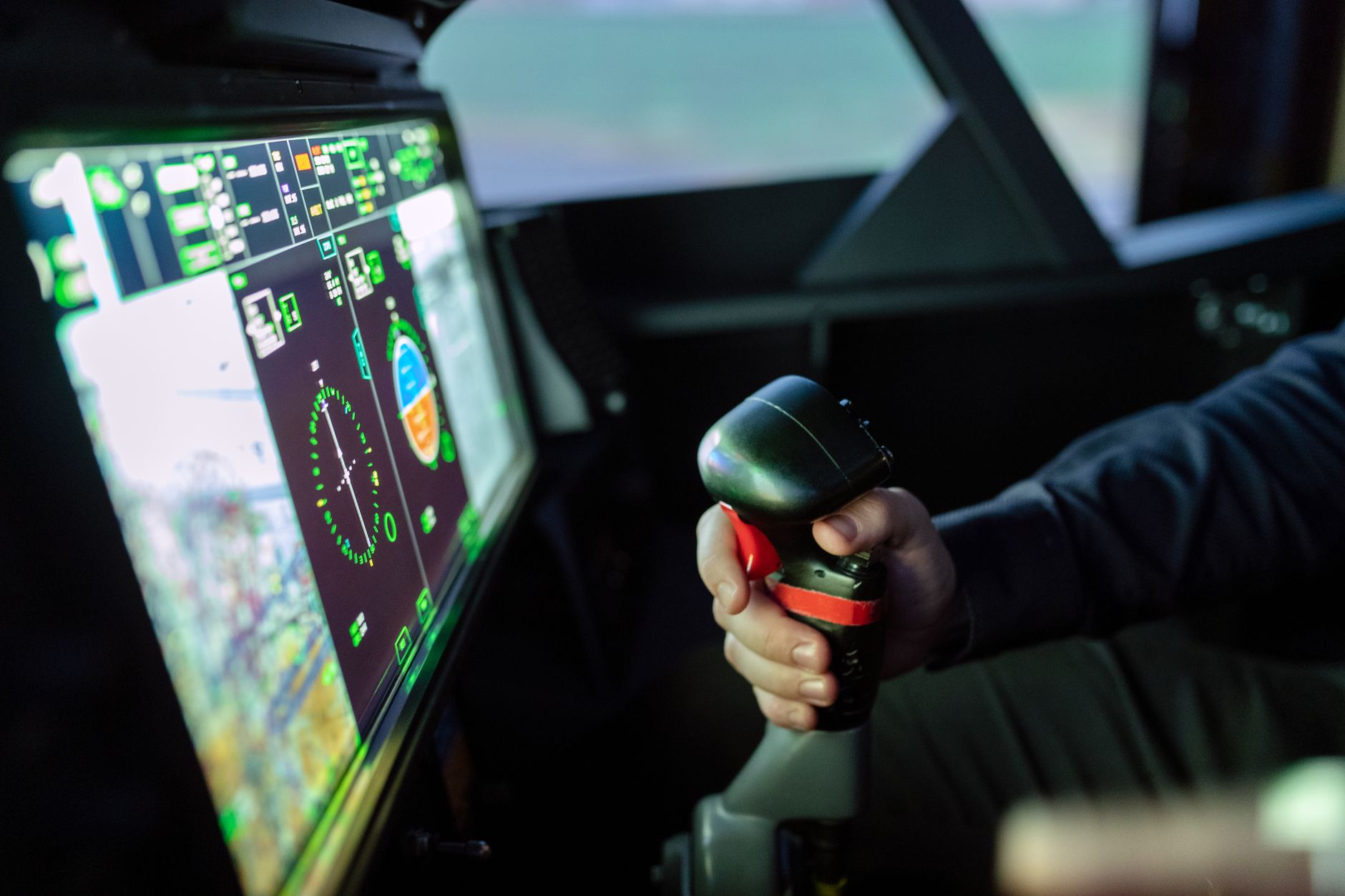
Quick answer: Flying with real, current charts and approach plates is what turns simulator time into flight training. Plan the flight properly on paper or in your actual electronic flight bag, fly it in the simulator, and debrief it — because the planning and the chart interpretation are the parts that transfer completely. The one rule that cannot bend: the simulator’s built-in navigation data is not a source for real flight planning.
Most home simulator flying skips planning entirely, which discards the most transferable element of the whole exercise.
Why Planning Is the Transferable Part
Reading a sectional, interpreting an approach plate, calculating a wind correction angle and fuel burn, checking airspace and terrain — none of that involves feel, sensation, or aircraft handling. It is pure cognitive work, done identically whether the flight that follows is real or simulated.
That makes it the highest-fidelity part of home practice. Your planning for a simulated flight is genuinely the same skill as planning a real one.
Use Your Real Electronic Flight Bag
If you use an EFB app for real flying, use the same app alongside the simulator. Two benefits stack:
- You practise the app — building a route, checking weather, pulling up a plate, and reorganising the display in flight. This is a real skill with a real learning curve, and fumbling with it in the aircraft costs money.
- You practise the workflow of moving between chart, panel and outside view, which is closer to real cockpit management than flying off the simulator’s built-in map.
Set the tablet where it sits in the aircraft, not flat on the desk. Reaching for it in the same place builds the same habit.
Fly Places You Actually Fly
A simulated flight to a spectacular foreign airport is entertainment. A simulated flight around your home field is training.
- Your home airport. Learn the pattern, the landmarks, the taxi layout, and the approaches until they are familiar.
- Your practice area. Rehearse the route you take, and the ground references you use.
- Your regular destinations. Fly the arrival before you fly it for real.
- The cross-country you have planned. Rehearsing an unfamiliar route — airspace, terrain, frequencies, the arrival — is one of the best uses of a home simulator.
Be aware that simulated scenery is approximate. Taxiway layouts, buildings and even runway markings can differ from reality, so use it for structure and familiarity rather than as a survey.
Flying Real Approach Plates
For instrument students this is the core exercise. Pull the actual plate, brief it as you would in the aircraft, fly it, and go missed.
- Brief out loud — approach name, frequencies, courses, minimums, missed approach, and what you expect to see.
- Fly the whole procedure, including the transition, rather than starting established.
- Use the real minimums from the plate, not whatever the simulator suggests.
- Fly the missed every time — the procedure you are least practised at.
Working through the plates for your own local airports is exactly the preparation that makes an instrument lesson productive.
The Boundary That Cannot Move
Simulator navigation databases and scenery are frequently out of date, sometimes by years. Frequencies change, procedures are amended, airspace is redrawn, obstacles appear.
So the rule is absolute: plan real flights from current official charts and data, never from the simulator. Use the simulator to practise reading and flying the real chart you have in front of you — and if the simulator disagrees with the current plate, the plate is right and the simulator is stale.
This is also a good habit to build for its own sake, because the same discipline applies to any nav database in a real aircraft.
A Complete Session
- Pick a real route you might actually fly.
- Plan it properly — current charts, weather, weight and balance, fuel, alternates.
- Brief it out loud, including the approach and the missed.
- Fly it in the simulator with your EFB beside you, as in the aircraft.
- Debrief against your plan: where were you behind, what did you miss, what would you do differently?
A session like that develops planning, chart interpretation, cockpit management, and procedural discipline simultaneously — and every one of those transfers whole.
The Bottom Line
The chart work is the part of simulation that is not simulated. Plan real routes from current charts, fly real approach plates, keep your actual EFB in your actual lap position, and never let the simulator’s own data anywhere near a real flight plan.
Frequently Asked Questions
Should I use real charts with a home flight simulator? Yes — it is the most transferable part of home practice. Reading a sectional, interpreting an approach plate, and calculating wind correction and fuel are identical skills whether the flight that follows is real or simulated.
Can I use simulator navigation data for real flight planning? No. Simulator navigation databases and scenery are frequently out of date — frequencies change, procedures are amended and airspace is redrawn. Always plan real flights from current official charts. If the simulator disagrees with a current plate, the plate is correct.
Should I use my EFB app while flying a simulator? Yes. You practise both the app itself — building routes, pulling plates, managing the display — and the workflow of moving between chart, panel and outside view. Position the tablet where it sits in the aircraft to build the same reach habit.
Which airports should I fly in a home simulator? The ones you actually fly. Your home field, your practice area, your regular destinations, and any cross-country you have planned. Rehearsing an unfamiliar route before flying it for real is one of the best uses of home simulation.
How should I practise an instrument approach at home? Pull the real plate, brief it out loud as you would in the aircraft, fly the whole procedure including the transition, use the actual published minimums, and fly the missed approach every time rather than landing.
This article is general educational information and is not flight instruction. Never use simulator scenery, navigation data or performance figures for real flight planning — always consult current official charts, publications and your aircraft’s POH.



One thought on “Using Real Charts and Approach Plates With a Home Flight Simulator”